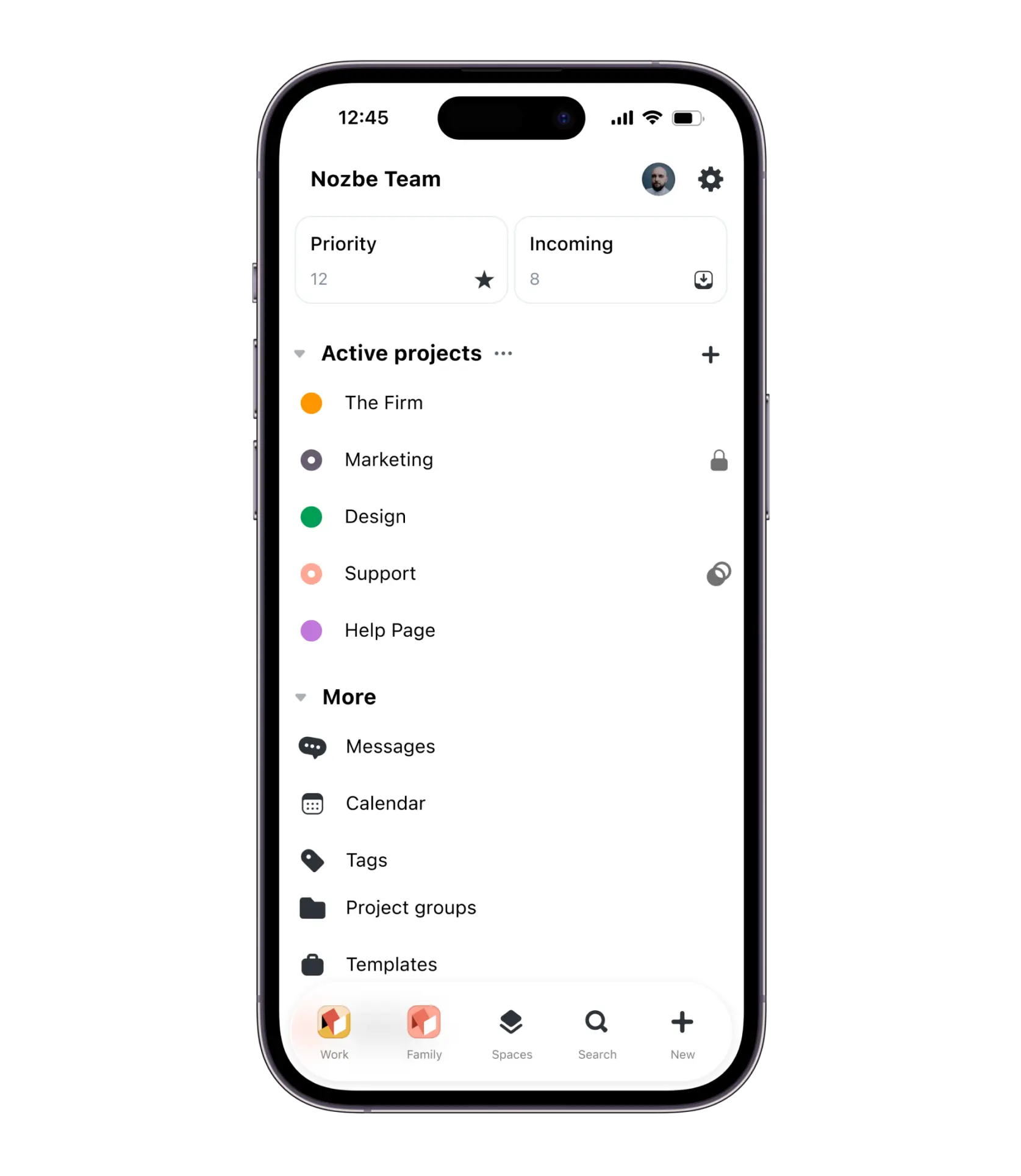
Here’s how familiar Jooto workflows translate to Nozbe–and what you can add along the way.
Keep your work moving
| What you do |
In Jooto |
In Nozbe |
| Organize projects |
Boards with lists |
Projects with sections to organize tasks by stage and follow a Kanban-style workflow |
| Choose what to work on next |
Priority labels and the “My tasks” view |
A Priority list that brings selected tasks together across projects |
| Discuss work in context |
Comments on tasks |
Task comments with discussions, files and decisions in one place |
| Connect your calendar |
One-way connection to Google Calendar |
Calendar view and two-way sync with Google or Outlook Calendar |
Nozbe does not currently offer a Gantt chart.
Make everyday work easier
| What you can add |
How it works in Nozbe |
| One place to check what needs your attention |
Incoming gathers due and overdue tasks, active reminders, newly assigned tasks and tasks where you’re mentioned. |
| Automatic recurring tasks |
Set custom schedules for routine work, without duplicating tasks by hand. |
| Conversations that turn into action |
Use one-on-one, group and space-wide messages. Turn a message into a task when it needs action. |
| Help from your AI assistant |
Connect Claude, ChatGPT and other compatible AI assistants through MCP to help plan and review your work. |
Support for your team’s transition
| What matters |
What Nozbe offers |
| Help in Japanese |
Japanese-speaking customer support staff you can contact with questions about getting started. |
| A familiar language |
An app interface available in Japanese, English and seven other languages. |
| Access across devices |
Apps for Web, Windows, macOS, iOS/iPadOS and Android. |
| Information about data protection |
A published Data Processing Agreement explaining how personal data is handled under the GDPR. |