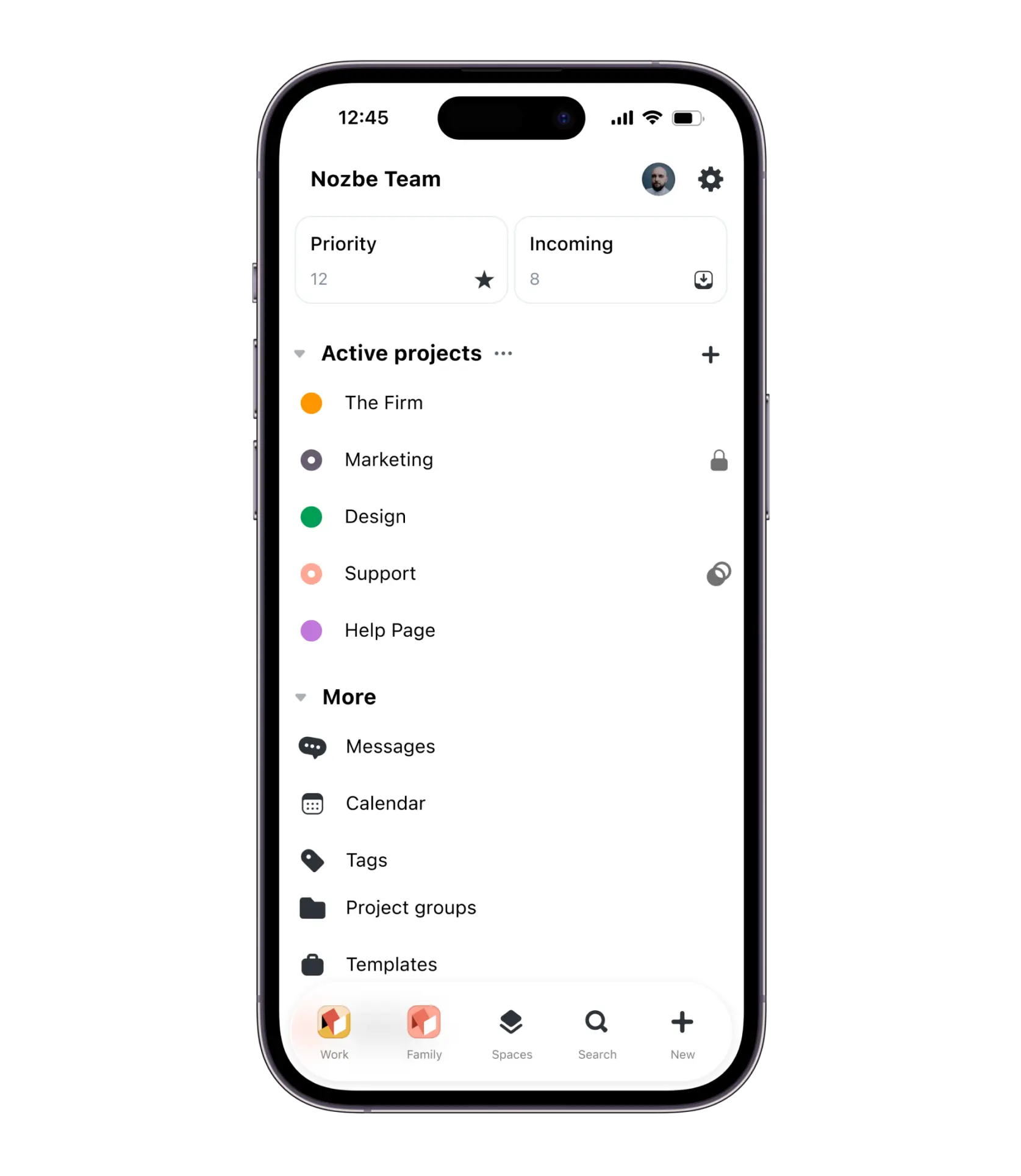
| Feature | Nozbe | TimeCamp Planner |
|---|---|---|
| Apps | All platforms: Web, macOS, Windows, iOS/iPadOS and Android — full features everywhere | Web, desktop and mobile (with limited features) |
| Spaces | Single or multiple spaces | Multiple workspaces |
| Projects | Open or limited access projects with sections; project groups and templates | Projects with task list |
| Priority | Manually add tasks to your Priority list or enable selected task types to appear there automatically | Lists can be used to organize priorities |
| Incoming | Everything that needs your attention lands here automatically: • due or overdue tasks • active reminders • tasks assigned to you • tasks you were mentioned in |
✖️ |
| Messages | One-on-one, group and space-wide chats; turning a message into a task | Private and group chats |
| Calendar | Calendar view; two-way Google and Outlook Calendar sync | Calendar view; calendar integration |
| Recurring tasks | Custom recurrences | Custom recurrences as a project add-on |
| Integrations | Google and Outlook Calendars, Evernote, Dropbox, OneDrive, Slack, Zapier, MS Teams, REST API and webhooks | TimeCamp, Trello, Google Drive, Calendar |
| AI & MCP | Create projects and import tasks with Nozbe AI; connect Claude, ChatGPT and other AI assistants via the MCP connector or Local MCP | ✖️ |