Artificial intelligence is the next big leap in technology. It’s natural to feel a bit skeptical, but keeping up with it is essential if one wants to stay competitive in the job market, grow their business, or simply avoid feeling out of touch around younger people. Check out how Nozbe is gradually rolling out AI features.
At Nozbe, we move with the times - which are flying at the speed of light - and listen closely to what our users need. At the beginning of 2026, it was clear that a project management app and trusted productivity system for thousands of professionals couldn’t go without AI features - so we introduced AI-powered project creation and CSV imports that turn spreadsheets into ready-to-use projects.
A few months later, we realized that many Nozbe users wanted to automate and streamline their workflows by giving their AI agents access to files and apps on their devices. That’s why we launched Nozbe’s MCP integration (both local and remote).
Shortly after, Michael, Nozbe’s CEO, decided that in a company championing asynchronous task-based communication, collaborating with AI in an endless chat window and listing agent’s tasks in a plain text file just wouldn’t cut it. While Nozbe’s developers are hard at work building a native solution, he came up with a workaround to add an AI agent as a space member in Nozbe and collaborate with it directly inside tasks.
That’s where things stand as of November 20, 2026. And the next wave of updates will probably arrive even faster than we can imagine.
Change Is Inevitable
First came email, then broadband internet, social media, digital maps that help even the most directionally challenged person find their way anywhere, voice assistants like Siri and Google Assistant, and real-time translators that let people from completely different corners of the world understand each other effortlessly. At first, some people are always skeptical - until adopting the new tool becomes practically unavoidable in everyday life. Or at least it feels that way…
Using artificial intelligence at work - especially in knowledge work - has become virtually indispensable. Spending hours of time and resources on a task that AI (while still relatively inexpensive or even free at a basic level) can complete in seconds simply doesn’t make sense for a business owner, and for an employee, it can weaken their competitive edge at work. In the era of late-stage capitalism and rapid tech acceleration, ethical and environmental debates rarely slow down mainstream adoption.
Nozbe and AI — From a Simple Chat to a Coworker
To meet the expectations of our users who want to work smarter, not harder, we’ve been rolling out artificial intelligence capabilities in Nozbe step by step—and we know this is just the beginning of the journey.
Creating Projects with AI
We started by eliminating the blank-page problem. When you create a new project in Nozbe and toggle on Create using AI, all you have to do is briefly describe what you need—such as a promotional campaign, an internal onboarding program, or a business trip—or paste a plan you’ve already drafted in another AI tool.

Based on your description, Nozbe AI automatically generates a complete project structure with sections, actionable tasks, and comments. From there, you can immediately fine-tune the details, set priorities, and delegate work to your teammates.
Importing CSV Files
If you already have a schedule mapped out in a spreadsheet (Excel, Google Sheets) or a task list generated as a table in your favorite AI model, there’s no need to retype anything manually. Simply export your data as a CSV file and use the CSV import option to turn a plain text file into an organized Nozbe project in seconds.

You can find full details on both features and request limits per plan on the Nozbe AI page.
Remote MCP
Our next step was opening Nozbe up to external AI assistants through the MCP (Model Context Protocol) standard. The remote option is the easiest way to connect your Nozbe account to Claude (on the web, desktop, or mobile) or ChatGPT—no local installations or manual config file edits required.
Just add a custom connector using the URL https://mcp.nozbe.ai/mcp and sign in with your Nozbe account to ask AI about your priorities, browse projects, or add tasks straight from your conversation. You can find the full step-by-step guide for Claude and ChatGPT in the Remote MCP section of our help page.
Local MCP
For more advanced users, developers, and anyone working in environments like Claude Desktop or Claude Code, we built Local MCP. It runs directly on your computer (macOS or Windows) alongside the Nozbe desktop app.
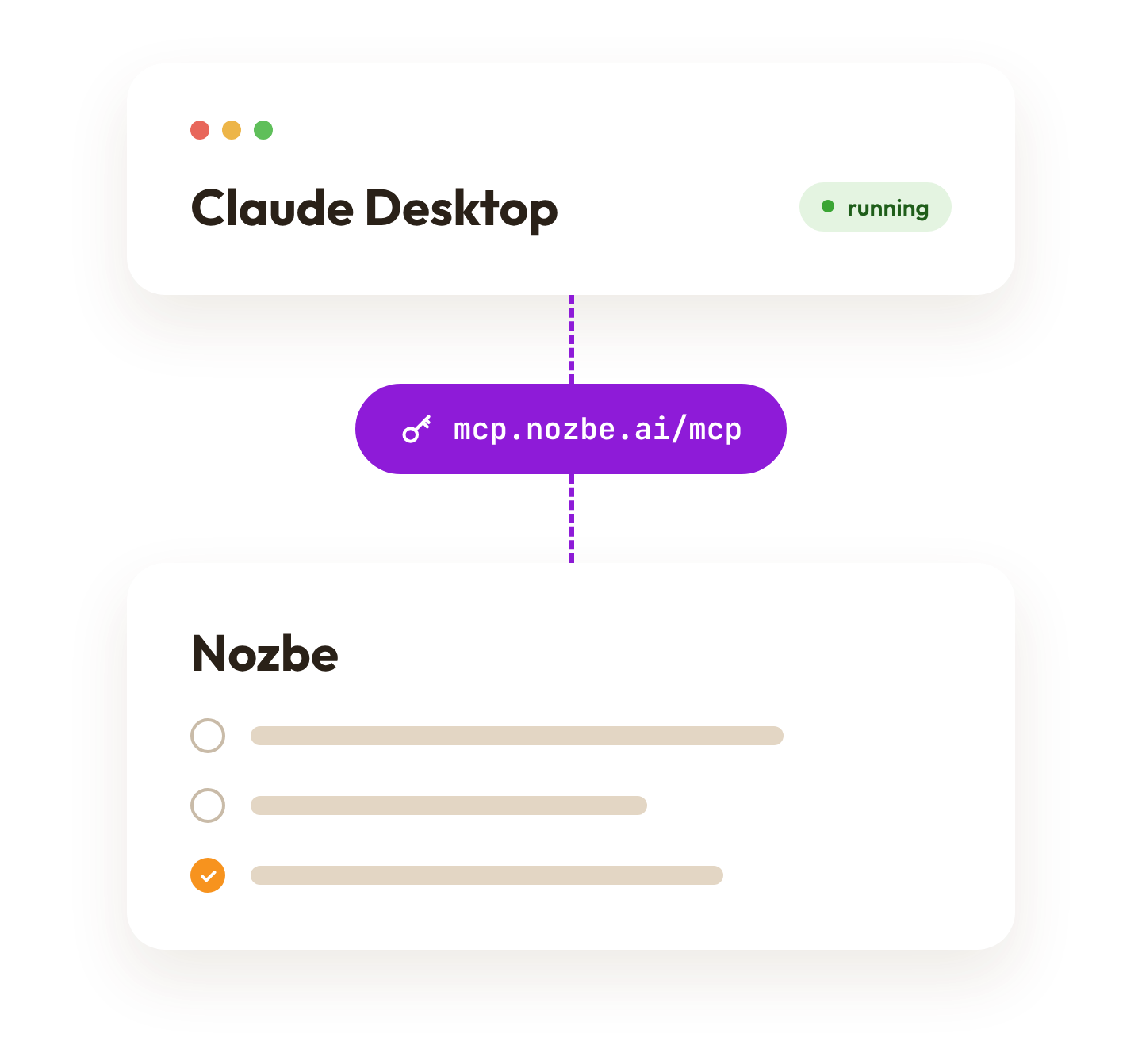
This makes the connection lightning-fast and gives your AI agent direct access to your working context—ideal for vibe-coding or automating development workflows. To hear how Michael used Local MCP to build his own iOS app without knowing Swift, tune in to Episode #79 of the No Office Podcast. You can find ready-to-use setup instructions in the Nozbe Local MCP section of our help page (and for terminal tools, check out the Claude Code and Cursor section).
An AI Agent as a Space Member in Nozbe
The real breakthrough happens when you stop treating AI like a chat box and start collaborating with it just like a human teammate—through tasks and comments. While native agent support in Nozbe is currently in the works, you can already try Michael’s setup today: invite an agent (our CEO named his “Klaus”) as a separate member of your space and connect its account to Claude or Codex via Local MCP.
Your agent picks up tasks delegated to it, posts an action plan in the comments, gets the work done, pins a ready-to-test checklist, and delegates the task right back to you—all inside a single project, preserving full context and clear Rules of Engagement. We covered the entire setup, security considerations, and Michael’s ready-to-use prompts in detail in Episode #98 of the No Office Podcast.
Security and Full Control
Whether you’re just getting started with generating projects from a prompt or building custom workflows with autonomous agents, transparency and data security come first at Nozbe. We are a European company with 20 years on the market. Our infrastructure is hosted in the European Union and is fully GDPR compliant—and when using MCP, you are always in control of which projects your agent can access.
Want to try out everything Nozbe AI has to offer and connect your account with an AI agent? If you don’t have an account yet, sign up for free at nozbe.com.